New Features in v2.37
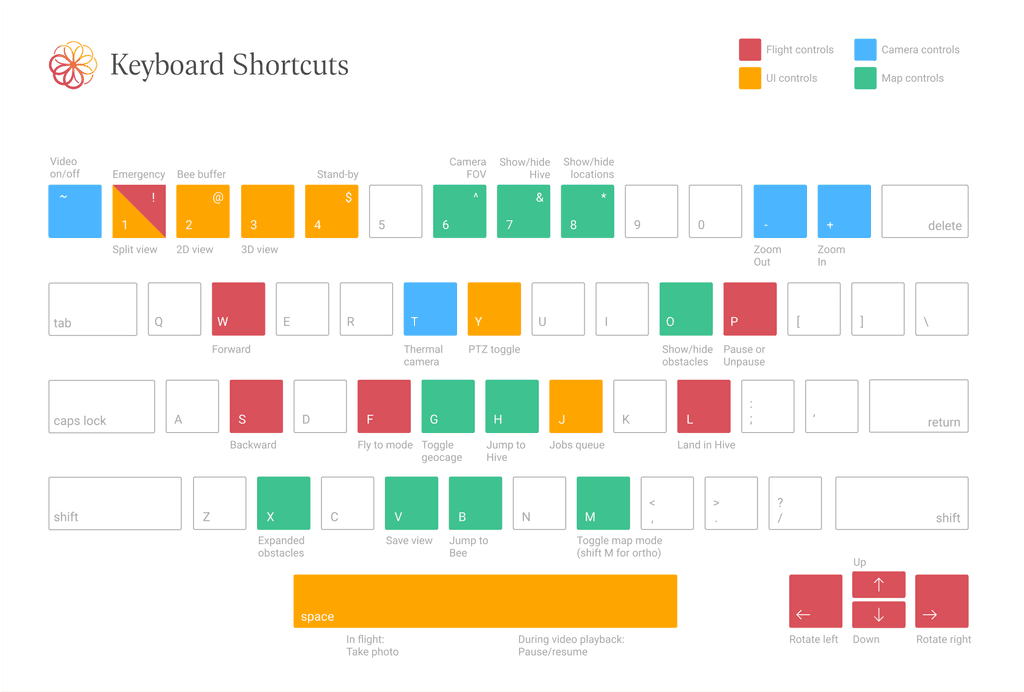
Added keyboard shortcuts for nearly all functionality:
F = "Fly to", L = "Land", P = "Pause"
See all keyboard shortcuts
New Features in v2.30

Manage multiples hives with search and sort options
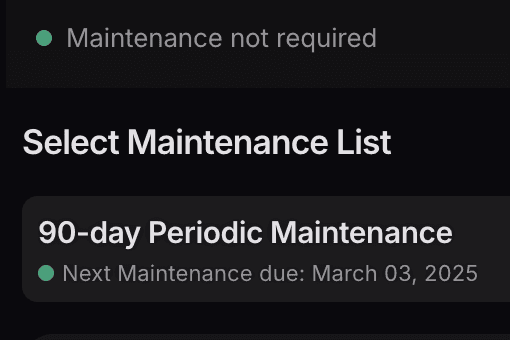
Completely revamped maintenance procedure with fewer and easier to follow steps
New Features in v2.29

We are now officially ISO 27001:2002 certified.

New and improved 3D location markers to better visualize the location and height of observation points

New table view shows details including time to reach locations, complete patrols and distances.
New Features in v2.28

One centralized page for all site setup options. Includes setup for locations, routes and Hive position

Simplified configuration of jobs by setting an interval between flights, instead of number of flights
New Features in v2.26

The new UI is feature-complete and available for everyone. Also try the new iOS app.
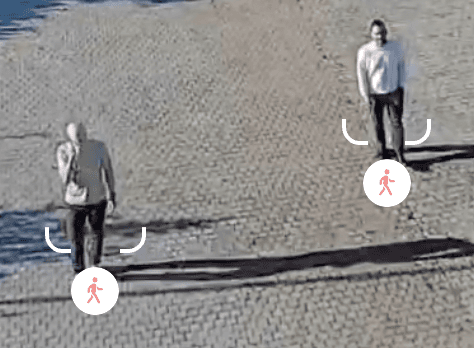
New vision-based people detection, tracking and following
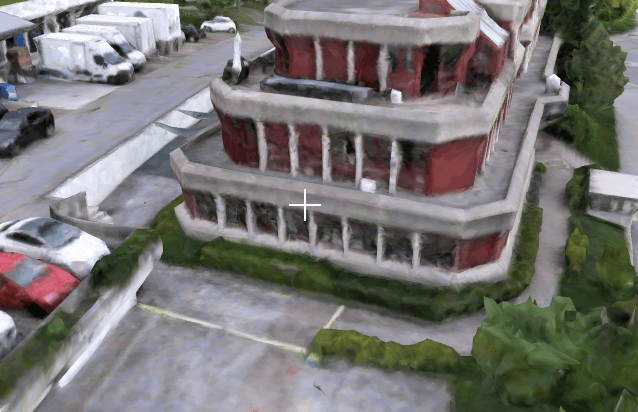
Configure your site as if you are flying the drone
New Features in v2.25

Completely redesigned configuration for defining patrol routes

Completely redesigned interface for managing inspection locations
New Features in v2.24

Configure email or webhook notification for people and vehicle detections
New Features in v2.23

3D map now has nicer weather and better lighting

Events now show the name or email of the pilot-in-command.

Choose imperial or metric units for distance, time and temperature in Settings→General
New Features in v2.22

See all upcoming scheduled jobs and skip them if necessary

View all the relevant flight advisories and restrictions on a map provided by Airspace Link.
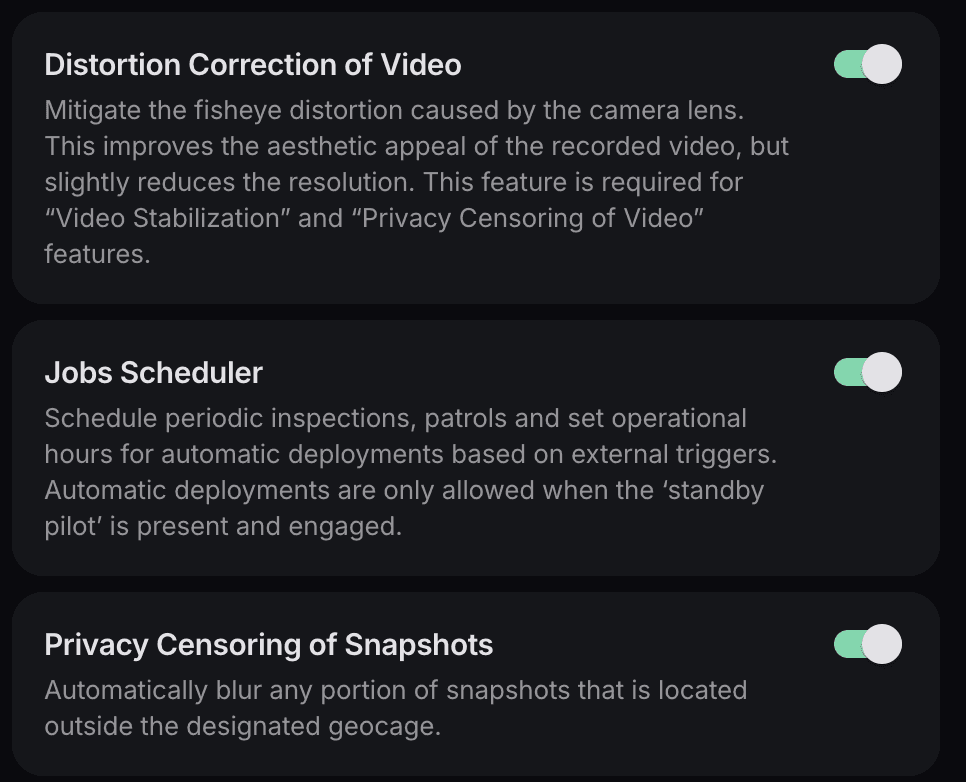
Detailed description of all the optional features that are available in the Settings→Features menu.
New Features in v2.21
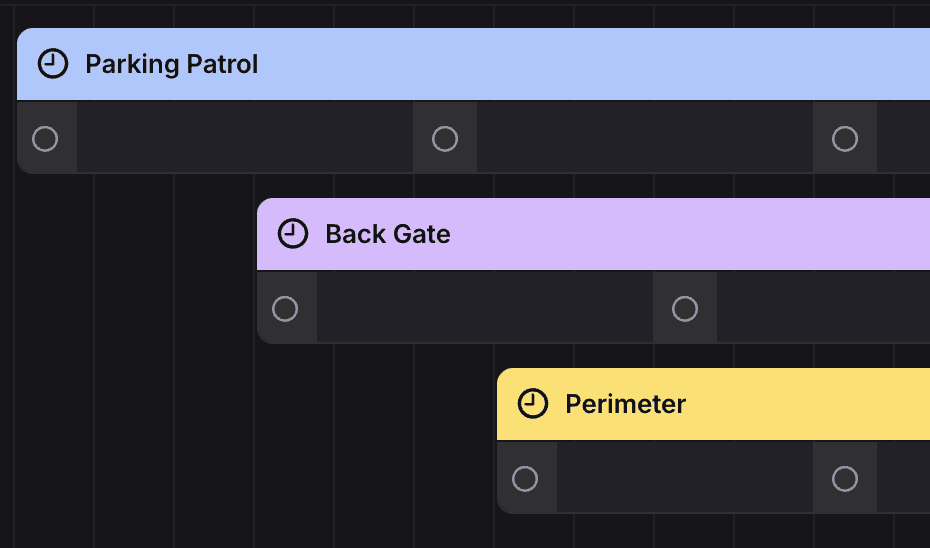
View all the scheduled jobs on a daily and hourly timeline

All executed commands are now logged allowing you to see who was controlling or changing the system settings

Several improvements to night camera performance and a new setting to manually enable or disable the IR filter on the camera
New Features in v2.20
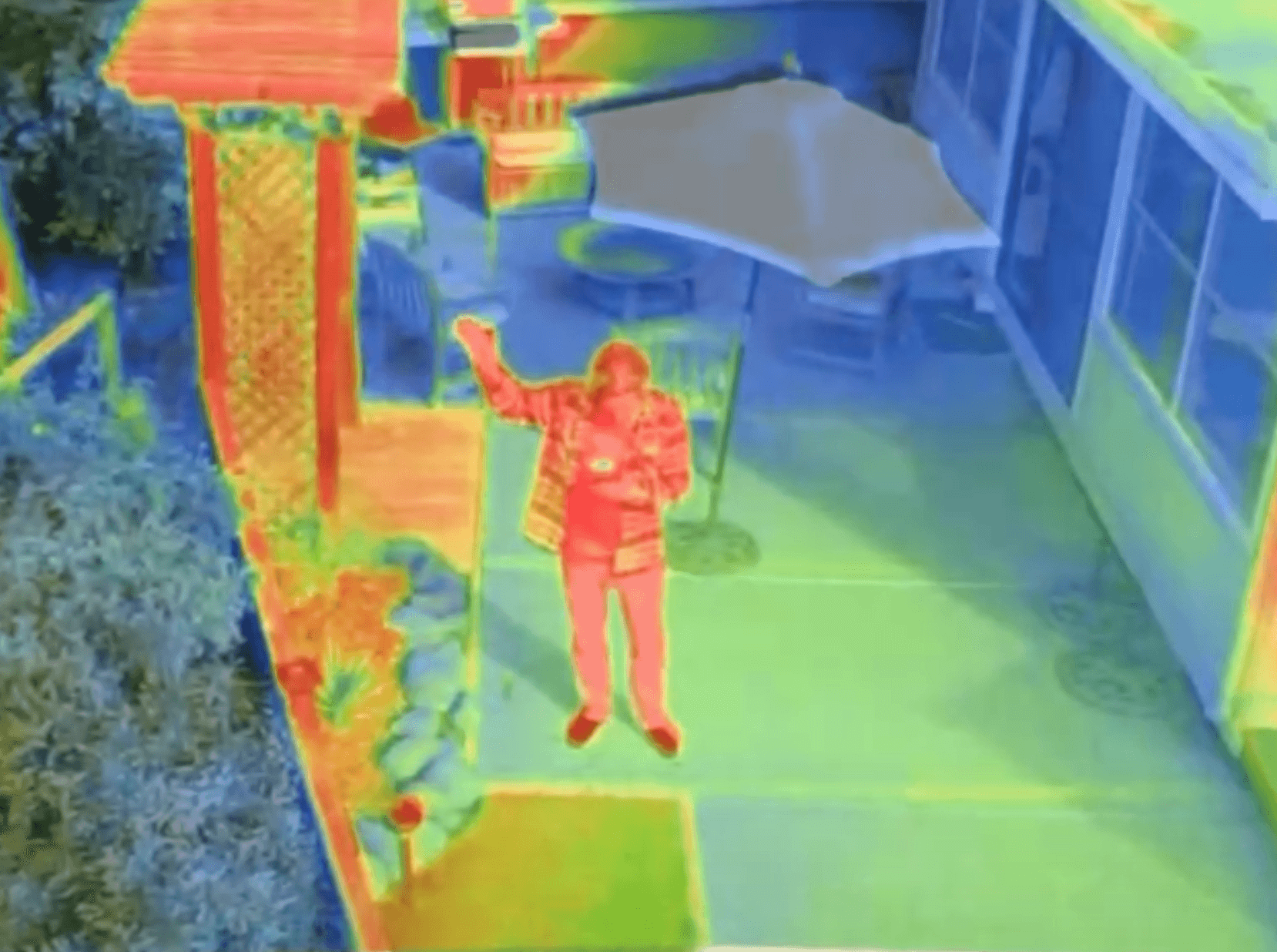
Support for our new thermal camera payload. The camera is available as an optional payload on our newest systems. Contact sales to order one
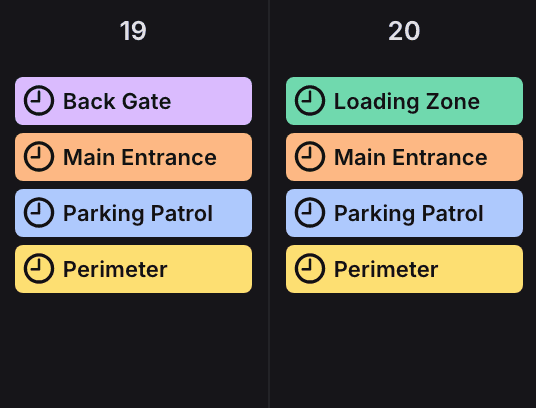
Jobs allow you to set up automatic flights that take place on fixed schedule, randomly or based on external triggers
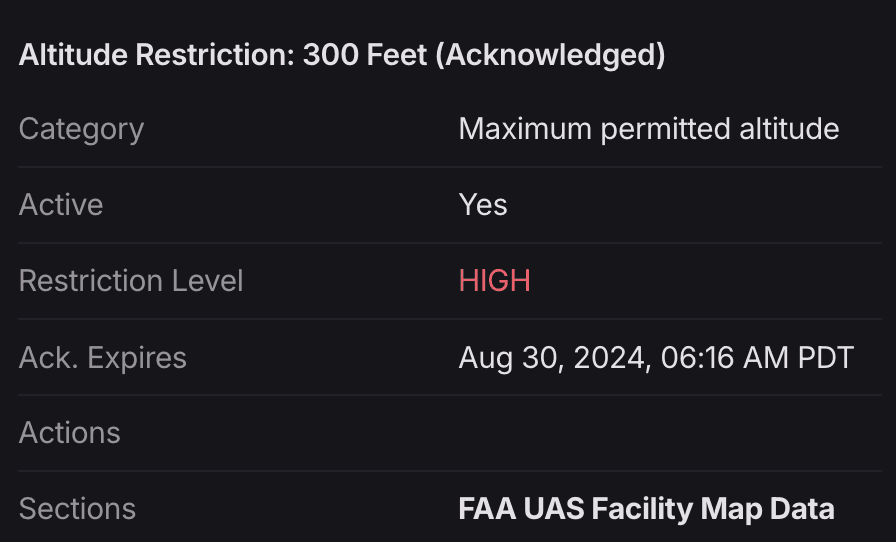
View and acknowledge relevant flight advisories, restrictions and NOTAMs in the Flight Advisories Status section
New Features in v2.19

Optimized flight path planner is up to 30% more efficient at reaching a destination
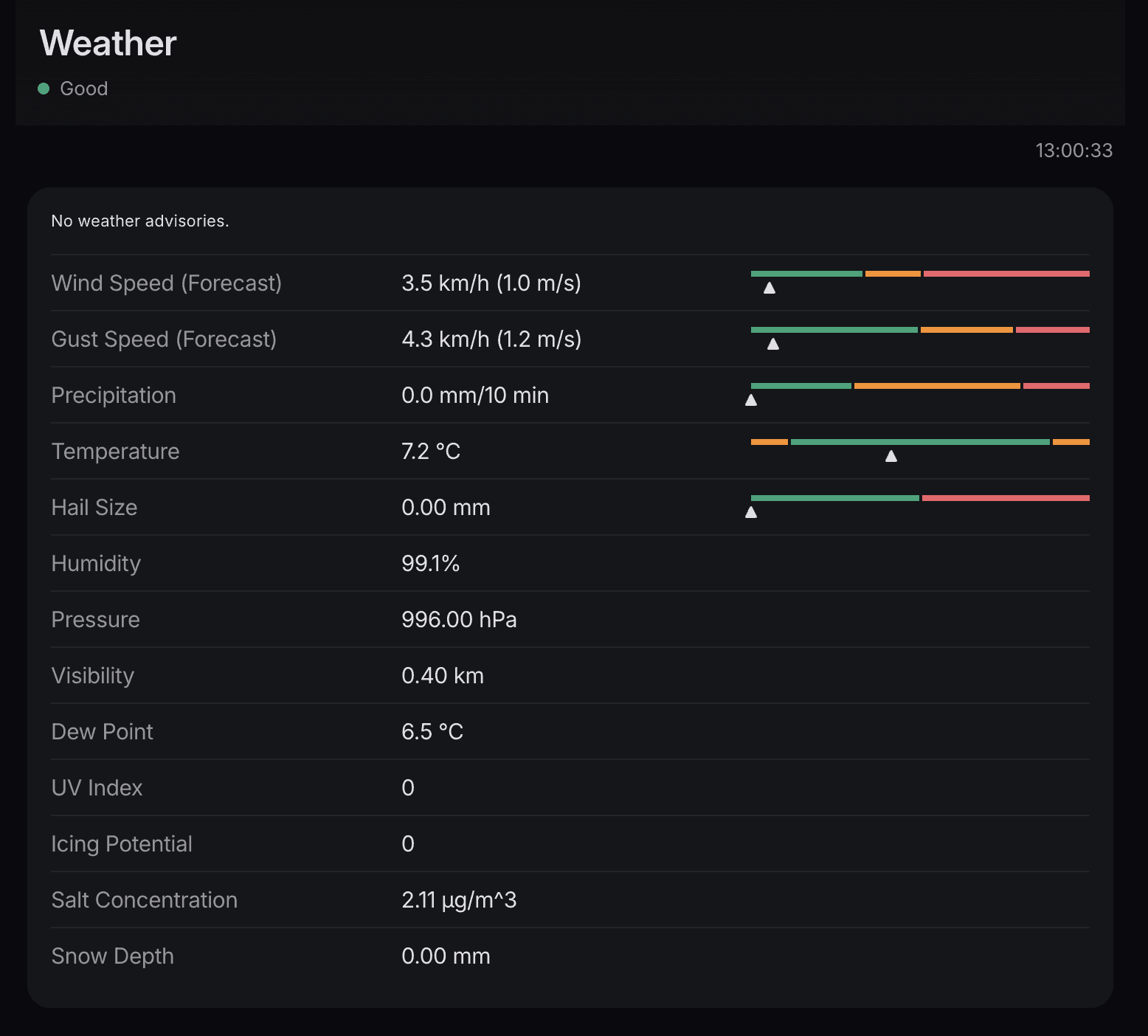
See more details on the weather thresholds, limits and forecasts
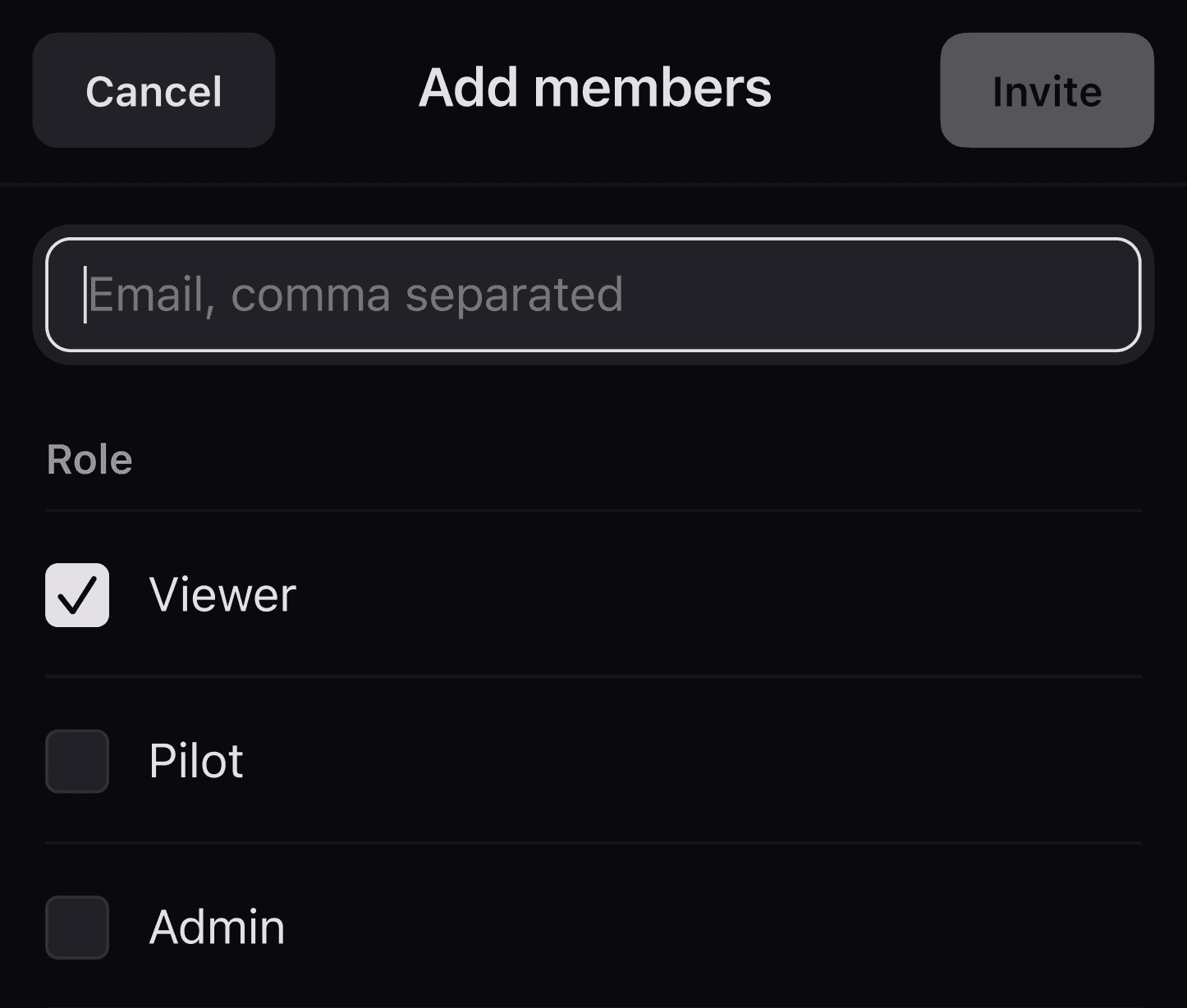
Manage Users
Invite new users and configured the appropriate permissions for them. You can set new users as Viewers, Pilots or Admins
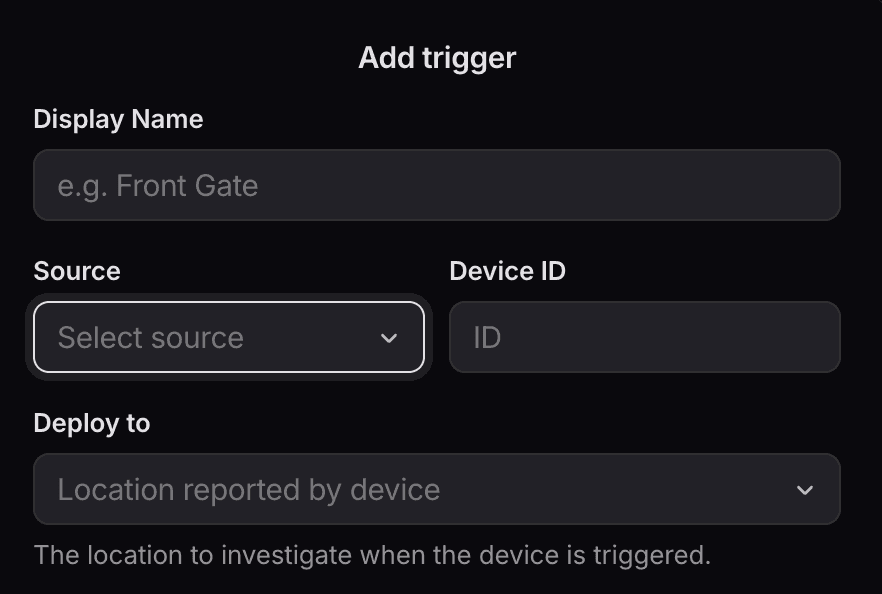
Triggers
Add external triggers to automatically deploy the Bee to their location
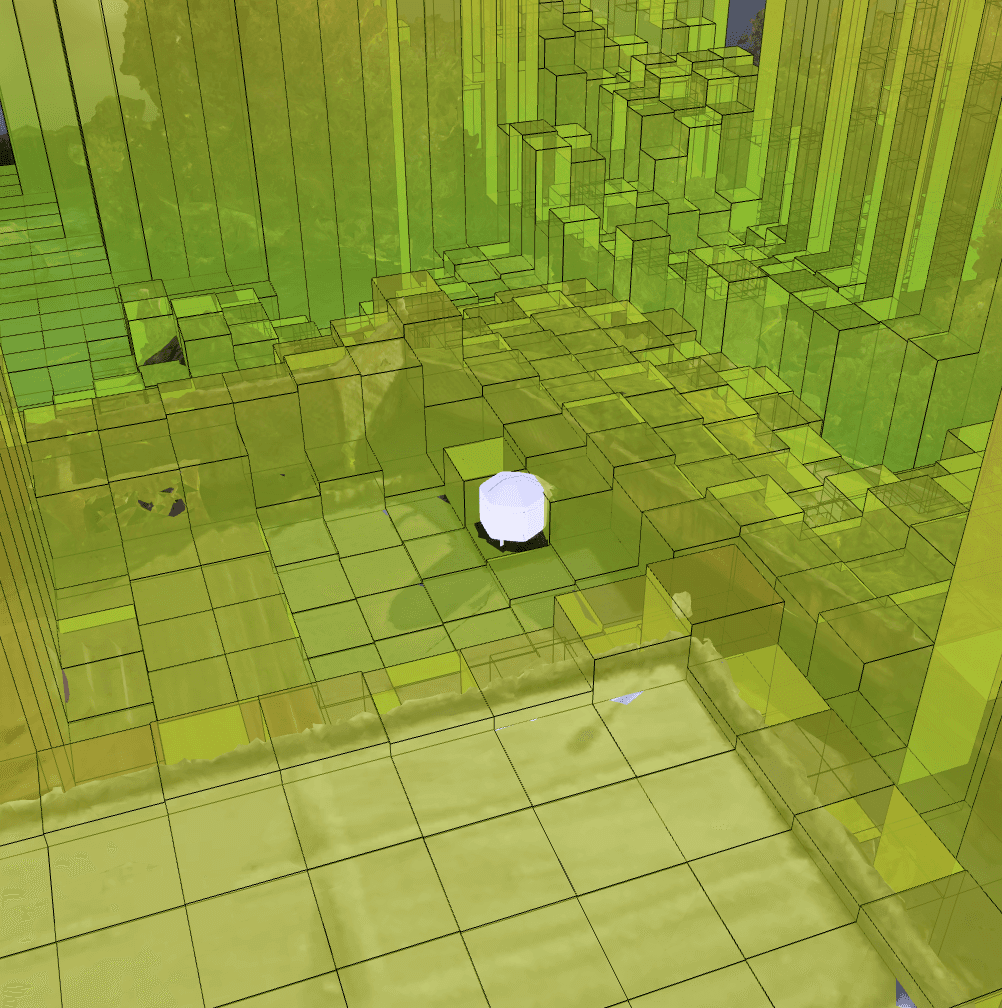
Hive Position
Reposition the Hive within the obstacle map of your property
